Deep Link Amazon: How to Create and Optimize for Success
Category: Deep link amazon
Here’s a simple truth I’ve learned over the years: if you're not using an Amazon deep link strategy, you're leaving money on the table. It's that straightforward. These special links are designed to send mobile users straight into the Amazon app, bypassing the clunky mobile browser experience and creating a frictionless path to purchase. This one change can have a huge impact on your conversion rates.
Why You’re Losing Sales Without Deep Links
Let's cut through the technical jargon and talk about what really matters—your earnings. Every time you share a standard Amazon affiliate link on social media, in an email, or on your blog, you're creating a roadblock for your audience, especially for the huge number of people browsing on their phones.
The Problem With Standard Links
Think about this common scenario: one of your Instagram followers sees a product you recommend and clicks your link. But instead of popping open their Amazon app where they're already logged in, the link forces them into a mobile web browser. Now they're staring at a login screen, trying to remember a password, or just getting frustrated by a slow, clunky website.
What happens next is predictable. They give up. That potential sale vanishes, and your commission disappears right along with it. This isn't just a small inconvenience; it's a major leak in your revenue funnel. Every single abandoned cart is a missed opportunity that a simple deep link could have saved.
The Impact on Your Wallet and Your Audience
Making the switch to deep links pays off almost immediately. By giving your audience a seamless in-app experience, you're not just making it easier for them to buy—you're building trust and showing that you value their time.
This better user experience translates directly into better numbers for you:
- Higher Conversion Rates: When you remove the login barrier, more of those clicks actually turn into sales.
- Accurate Attribution: In-app links make sure your affiliate tag is tracked properly, so you get credit for every single sale you generate.
- Increased Customer Trust: A smooth, professional linking experience makes your brand feel more credible and reliable to your audience.
The core problem is friction. A standard link asks your audience to jump through hoops. A deep link paves a smooth, direct path from your content straight to the 'Buy Now' button inside the app they already use every day.
With a staggering 11.95 million orders placed on Amazon daily around the world, every click you send their way is valuable. Deep linking is how you capture your share of this massive market by making sure the mobile shopping journey is as smooth as possible. You stop losing referral credit and prevent abandoned carts, which means you get the most out of every click. You can dig into more of Amazon's mind-boggling statistics to see just how big the opportunity is.
Alright, let's get into the nitty-gritty and build your first Amazon affiliate link. Once you've done it a couple of times, you'll see it’s surprisingly simple to create a basic deep link right from your Associates dashboard—no fancy third-party tools needed.
For this example, we’ll pretend we're promoting a super popular product: the "Anker PowerCore 10000 Portable Charger." It's a solid, real-world item that a lot of people are looking for. Our goal is to create a link that drops a potential buyer right onto that product page, with our affiliate tag attached so we get credit for the sale.
Finding Your Way Around the Amazon Associates Dashboard
First things first, log into your Amazon Associates account. You’ll land on your main dashboard. Take a look at the navigation bar running across the top of the page.
What you're looking for is the "Product Linking" tab. Hover your mouse over it, and a dropdown menu will appear. You've got a few choices here, but the one we want is "Link to Any Page." This is the most versatile tool in the box, letting you create links to pretty much anything on Amazon, not just the homepage.
Here’s a look at the product linking section of the dashboard.
Think of this page as your control panel for building custom affiliate links. You can point them to product pages, search results, category pages—you name it.
Building the Actual Product Link
Once you're on the "Link to Any Page" tool, you’ll see it's pretty straightforward. The easiest way to do this is to grab the product's URL directly from Amazon.
So, open a new tab, head over to Amazon.com, and find our Anker charger. Once you’re on the product page, just copy the entire URL from your browser's address bar.
Now, pop back over to your Associates dashboard. Paste that URL into the field under the "Link to Any Page" section. It’s also a good idea to give your link a name for your own records, something like "Anker Charger Blog Post."
When you're ready, click "Get HTML."
Amazon will spit out a link. It'll probably look long and a little intimidating, but don't sweat it. The important bits are all in there.
That link isn't just a web address; it's a snippet of code carrying your unique digital fingerprint. Getting comfortable with what's inside gives you a ton more control over your affiliate strategy.
What’s Inside That URL?
Let's break down that link Amazon just gave you. While there's a lot going on in there, you only really need to recognize two key components:
- The Product ASIN: This is Amazon's unique product code. For our Anker charger, the ASIN is
B0194WDVHI. It tells Amazon exactly which product to show. - Your Tracking ID (tag): This is your personal affiliate ID. It shows up in the URL as
tag=yourstoreid-20. This little piece is absolutely crucial—it's how Amazon knows you sent the customer, so you get paid.
And that's it! By using this link, you're making sure that anyone who clicks it gets "cookied" with your affiliate ID. You now have a working, trackable Amazon deep link ready to go.
Advanced Strategies for Higher Commissions
If you want to seriously boost your affiliate earnings, you need to think bigger than just linking to a single product. The real money is made when you stop promoting one item and start guiding your audience’s entire shopping trip. It's a subtle shift in mindset, but it's the secret to unlocking much higher commissions.
Let's say you're a food blogger sharing a new recipe. Instead of linking to just one specific brand of olive oil, you could create an Amazon deep link that sends your readers to a search results page for "organic extra virgin olive oil." This is a game-changer. It gives them the freedom to pick a product that fits their budget and brand preference, but you still get a cut of whatever they buy. It feels genuinely helpful, not like a hard sell.
This graphic breaks down how easy it is to create a powerful deep link that works every time.
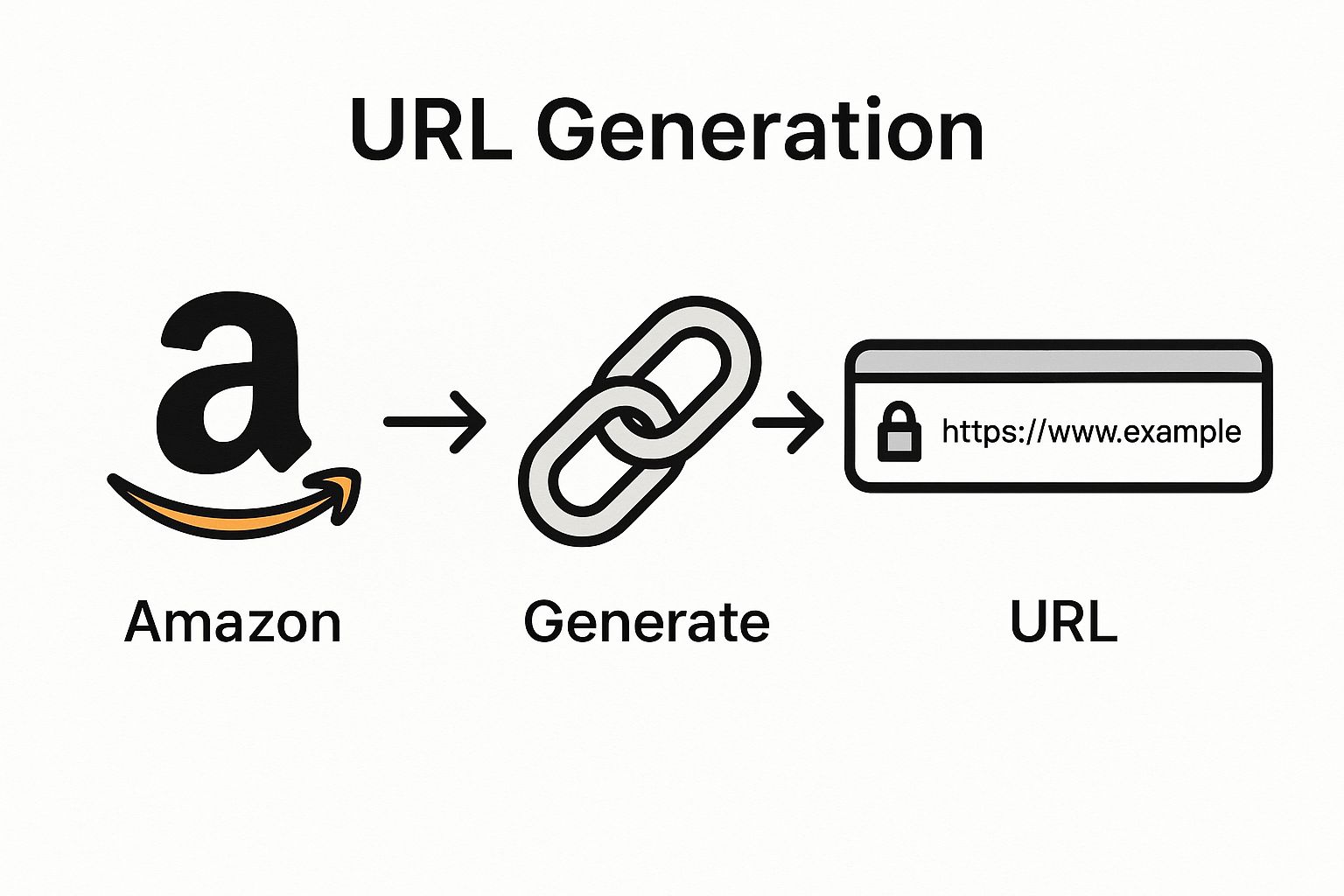
As you can see, it’s all about turning a standard Amazon page into an optimized, app-ready URL that ensures your affiliate tag is always attached, no matter where the user clicks.
Curating the Shopping Experience
Another killer technique is to link to curated lists or even your own Amazon Storefront. Doing this instantly positions you as a trusted expert, not just another person trying to sell something.
Here are a few ways to put this into practice:
- Bestseller Lists: Send your audience straight to the "Top 100 Electronics" or the "Movers & Shakers" in a category that fits your niche. This uses social proof and Amazon's own data to do the selling for you.
- Your Amazon Storefront: If you have one, this is gold. Create your own personalized shopping page with all your top product picks. It’s perfect for your social media bio and gives followers a single place to find everything you recommend.
- Custom Search Results: Do the hard work for your readers. Link them to a pre-filtered search like "4-star and up hiking boots under $100." You've just saved them a ton of time and made their buying decision way easier.
These methods are the bedrock of scaling your affiliate income. If you're just getting started and want to build a solid foundation, diving into a comprehensive guide on the https://coral.ax/blog/amazon-affiliate-marketing-program can fill in any gaps.
Web Links vs. App-Specific URLs
To really nail this, especially with so many people shopping on their phones, you need to know the difference between the types of deep links you can create. For US-based affiliates, Amazon offers two main formats: the standard https:// web link and a protocol-based URL like amzn:// that opens the product directly inside the Amazon app.
The direct-to-app method is almost always the better choice. It creates a seamless experience for the user and keeps them in the buying mindset.
This table breaks down when to use each type of link.
Amazon Deep Link Types Comparison
| Link Type | Best Use Case | User Experience | Compatibility |
|---|---|---|---|
| Standard HTTP | Desktop users, fallback for non-app users | Can require login on mobile, interrupting the flow | Universal (all browsers and devices) |
| Protocol (amzn://) | Mobile users with the Amazon app installed | Seamless, opens directly in the app to a logged-in state | Only works if the user has the Amazon app installed |
As you can see, sending a mobile user to the app is a much smarter play.
A standard web link on mobile is a gamble—it might lead to a frustrating login screen. An app-specific URL is a direct path to a logged-in, ready-to-buy customer. That difference is where commissions are won or lost.
This is so critical because app users are far more likely to be logged in with their payment info saved, ready to complete a purchase with a single click. For more tips on getting your links optimized, resources like theclipbot blog offer some great, actionable advice.
By mastering these more advanced deep linking strategies, you’re no longer just dropping random product links. You're building a sophisticated and highly profitable sales funnel.
Using Third-Party Tools for Smarter Links
When you're just starting out, manually creating an Amazon deep link for every product feels doable. But as your brand and audience grow, you'll quickly find it’s a huge time-sink. The real trouble starts when you build an international following. That standard Amazon.com link you shared? It’s completely useless for your follower in Germany or Japan. That means a lost sale and a bad experience for them.
This is exactly why third-party deep linking services are so valuable. These platforms take the manual work off your plate, creating smart links that do more than just open the Amazon app. Their killer feature is geo-localization—the link automatically figures out where the user is and sends them to their local Amazon store. This one feature alone can bring back a ton of international revenue you were otherwise leaving on the table.
Why Automation Is a Game Changer
Using a dedicated tool isn't just about saving a few minutes here and there; it's about making your affiliate links work smarter for you. A service like Geniuslink gives you one central dashboard to create, manage, and track every single link you share. You stop guessing and start knowing what actually drives sales.
The analytics these platforms provide are worth their weight in gold. You can see which links are getting clicked, where in the world your audience is, and which products are your top performers. This is the kind of data that helps you refine your whole affiliate strategy. And if you're looking to manage this across multiple channels, a good set of social media automation tools can be a massive help.
This screenshot from the Geniuslink homepage nails their core promise: creating smarter, localized links to boost your commissions.
The big idea is to globalize your affiliate links so you get credit for every sale, no matter where your audience is shopping from.
Unlocking Deeper Performance Insights
Beyond just sending people to the right store, these tools give you advanced features that Amazon's basic Associates dashboard just doesn't have. You get a much clearer window into your audience's behavior, which lets you make decisions based on real data.
Some of the key benefits include:
- A/B Testing: You can finally experiment. For instance, does sending people directly to a product page convert better than sending them to a search results page with a few options? Now you can test it.
- Link Health Monitoring: Get an alert when a product goes out of stock or a link breaks. This lets you jump in and fix it before you lose out on commissions.
- Advanced Reporting: See the nitty-gritty details on every click—what device they used, their operating system, and their geographic location.
Using a third-party tool is like upgrading from a basic paper map to a full-blown GPS. Amazon's standard links will get you to the destination, but a dedicated service gives you real-time traffic data, finds the most efficient routes, and gives you the analytics to plan a better journey next time.
This level of insight can turn your affiliate efforts from a simple side gig into a seriously sophisticated marketing channel. When you understand exactly how people interact with your links, you can optimize everything for maximum revenue. It's a small investment that often pays for itself many times over.
Tying Deep Links to Your Social Media Strategy
If you're a creator on Instagram, TikTok, or YouTube, that standard URL sitting in your bio is a huge missed opportunity. To really make your content work for you, you need a smart deep link amazon strategy. This is how you turn your social profiles into a smooth sales channel that your followers will actually use.
The magic of a deep link is that it creates a seamless path from your "link in bio" or a story swipe-up right into the user's Amazon app. Think about it: when a follower clicks a normal link, they often get booted to a clunky mobile web browser and have to log in all over again. That little bit of friction is where you lose the sale. Deep links skip that mess entirely by opening the app directly, keeping them logged in and ready to buy.
Think Bigger Than a Single Product
Sure, linking to a single hot-ticket item can work. But the real pros know that linking to curated collections is where the money's at. Instead of pushing just one product, guide your audience to a hand-picked Idea List or your complete Amazon Storefront.
This approach is so much more powerful.
- You build trust. You're no longer just a salesperson; you're seen as an expert who has done the hard work of gathering the best products in one spot.
- You get bigger commissions. When followers land on your storefront, they're way more likely to browse around and add a few things to their cart, which means a higher total commission for you.
- It just feels more natural. Dropping a link to your "My Vlogging Setup" storefront in a YouTube description feels a lot more helpful and authentic than pasting a dozen individual links.
The most successful influencers don't just sell products; they sell a lifestyle or a solution. Linking to a curated storefront lets your followers shop that entire vision, not just one piece of it. It’s a subtle but powerful shift from promoting items to providing value.
The Amazon Influencer Program has absolutely exploded, and its success is directly tied to how well deep linking works. With the influencer marketing industry on track to hit $32.55 billion by 2025, getting this right isn't just a nice-to-have for creators anymore. These links are the core tool for turning your social media views into real, reliable income.
Where to Place Your Links for the Best Results
Having the right link is only half the battle; you also have to place it where people will actually see and click it. The whole point is to make it dead simple for your audience to take action. For a wider look at turning your social media presence into cash, check out these strategies to increase sales using social media.
If you're just starting to build your presence, our guide on how to find Amazon influencers has some great tips.
By putting deep links in your social media bio, video descriptions, and story swipes, you close the gap between "Ooh, I want that!" and "It's in my cart." You make it effortless for your community to shop the things they see you recommend.
Common Questions About Amazon Deep Linking
Even with all the benefits laid out, you might still have a few questions rolling around in your head. That's completely normal. Let's tackle the most common points of confusion so you can start using your deep links with total confidence.
Regular Affiliate Link vs. Deep Link
So, what’s the real difference here? A regular Amazon affiliate link is pretty straightforward—it's a standard URL that sends someone to a product page on Amazon's website. It gets the job done, but it’s a bit clunky, especially for anyone shopping on their phone.
A deep link is the smarter, more modern version. Its primary job is to recognize the user's device. If they click from a phone and have the Amazon app installed, it opens the product page directly in the app. This is a huge deal. It means they're already logged in and ready to buy, creating a frictionless path to purchase.
Think about it: standard links on mobile often boot users to a web browser where they aren't logged in. That extra step of signing in is often enough to make someone abandon their cart. Good deep links can even handle geo-localization, automatically sending international visitors to their local Amazon storefront, which saves you from losing out on those commissions.
Device and Platform Compatibility
Do these links work on any device? Yep, but how they behave depends on where the user clicks from. On a desktop computer, a deep link works just like a normal affiliate link, opening the Amazon page in a new browser tab. The real magic, as you might guess, happens on mobile.
On a smartphone or tablet, a well-built deep link is smart enough to:
- Launch the Amazon app if it's installed, dropping the user right onto the product page.
- Fall back to the mobile browser if the app isn't there, so the user still gets where they need to go.
- Sometimes prompt an app store download, giving them a chance to get a better shopping experience.
This intelligent routing is the entire point. It guarantees the best possible journey for every single click, whether it comes from your blog, a YouTube description, or an Instagram story.
The key takeaway is that a deep link is designed to default to the best possible user experience. It intelligently chooses between the app and the browser to remove barriers to purchase, making it universally effective.
Are Deep Links Allowed by Amazon?
This is the big one. Are you going to get in trouble for using them? The answer is a clear and simple no. Using links that send users to the official Amazon app is 100% compliant with their policies. In fact, Amazon prefers it because it creates a better experience for their customers.
The Amazon Associates program has strict rules against things like link cloaking, where you try to hide the final destination of a link. But deep linking isn't cloaking; it's just smart, transparent redirection. If you want to get into the weeds on tracking, our guide on the Amazon Attribution link is a great next read.
Any reputable third-party service that creates these links for you is built to be fully compliant. They make sure your affiliate tag is always passed correctly while sending the user to the official product page, whether it’s in the app or the browser. As long as your links are honest and lead directly to an Amazon product, deep linking is a completely safe and powerful way to increase your earnings.
Ready to build your own high-performing affiliate program without the guesswork? Coral gives you the tools to recruit, track, and pay your creators, all in one place. Start turning your brand advocates into a powerful sales force today at https://coral.ax.